Start your day from For you
What is due, what people asked, what your AI suggests and what still needs a board, in one place.
You do not need to open every board to see what needs you. For you gathers it from all your boards and spaces. The work stays on its board; For you only shows it in one place.
1. Open For you
- Click For you in the top bar. The number on it counts what needs you now.
- Under Needs you, see the groups: Waiting for you, Overdue, Today, Important, This week, Later and No date.
- Waiting on others lists the requests you sent that nobody answered yet.
2. Work down the list
- Done marks an item's due date done, right from the row.
- Accept and Reject decide a suggestion from your AI, as in the board's Inbox.
- A request shows the answers you can give, such as Accept, Done or Pass on. A mention or a reply has Seen.
- Click a row to open the item, or the board name to go to the board.
3. Sort Unsorted
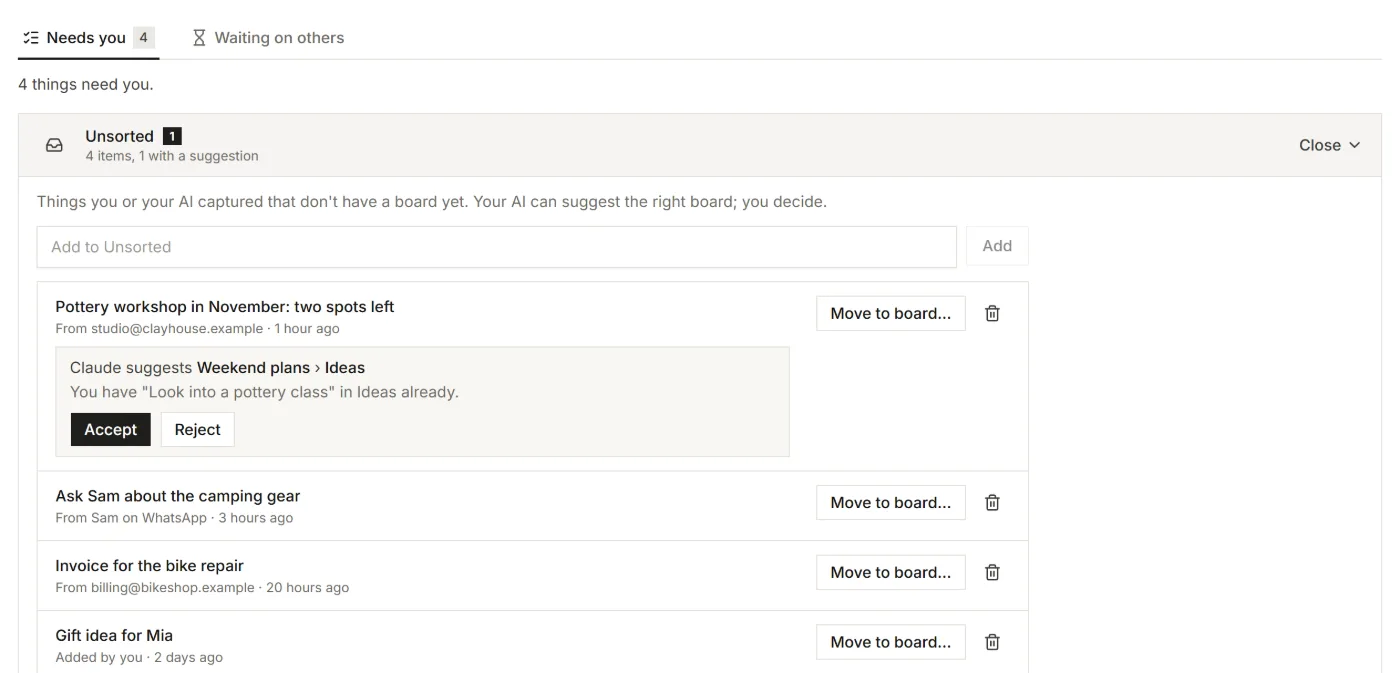
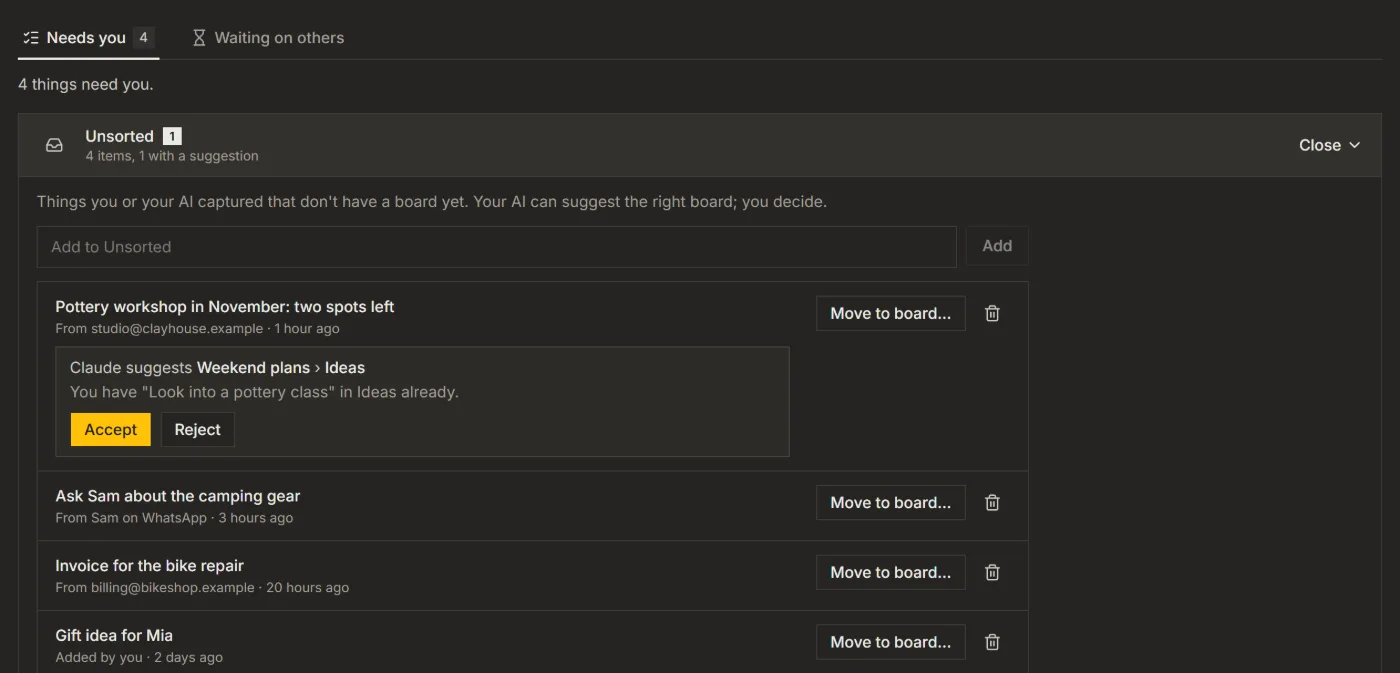
Unsorted holds what you or your AI captured that has no board yet. While items wait there, it shows as the first row of For you.
- Choose Sort them to open the list.
- Your AI may have suggested a board: Accept puts the item there, Reject leaves it in Unsorted.
- Or choose Move to board..., pick a board and a list, and choose Move.
When you move an item somewhere else than your AI proposed, Listspace keeps a short hint, so your AI sorts it right the next time. Type in Add to Unsorted to park something yourself.
4. Mark what matters
- Hover over an item on a board and click the flag, or choose Mark important in its window.
- To flag a whole list, open the list's ... menu and choose Mark important.
Important items without a date get their own Important group in For you. With a date, they stay in their date group, with the flag.
Good to know
- With more than one space, the switch at the top picks All spaces or only the current one.
- Ask your AI "What is on my plate" and it reads the same list.
- The daily summary email lists the same things, and a notification can tell you when something waits. See Get a ping when your AI needs your OK.
For your AI, this guide as markdown: listspace.app/guides/start-your-day-from-for-you.md