Capture from your phone
Share to Listspace on Android, send it to the Telegram bot, or email it to a board.
An idea in the car, a photo on site, an email from a client: get it onto a board now and sort it later. Pick the way that fits your phone.
Share to Listspace on Android
Install Listspace once: in Chrome, Edge or Samsung Internet, open listspace.app, sign in, open the browser menu and choose Install app or Add to Home screen.
- In any app, tap Share and pick Listspace. The first time, you may need to tap More to find it.
- Add to Listspace opens with the title, the link, the text as a note, and the photos or PDFs.
- Under Save to, keep Unsorted or pick a board and its list. Photos and PDFs need a board: Unsorted holds text only.
- Tap Save.
Files can be up to 10 MB each, at most 10 per share. iPhone and iPad do not let web apps join the share menu; use Telegram or email there.
Send it to the Telegram bot
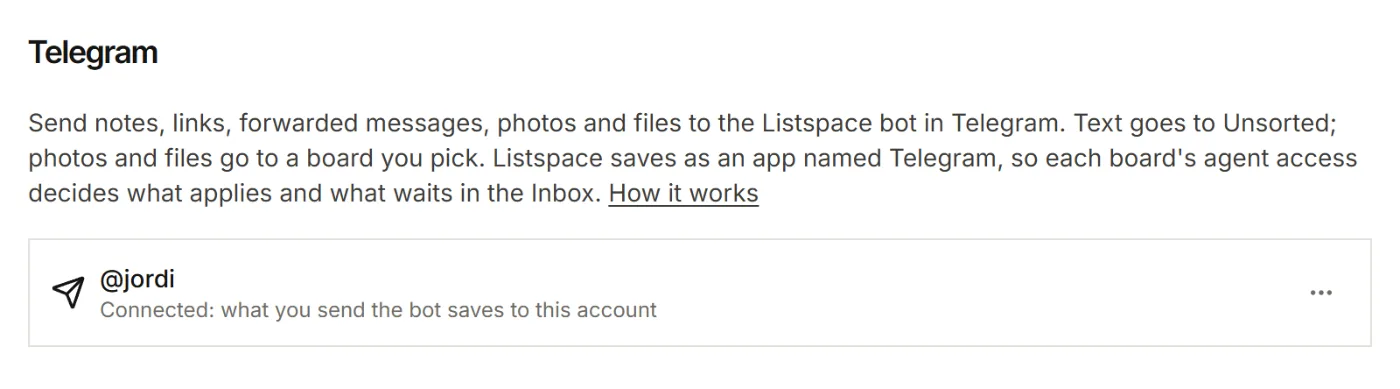
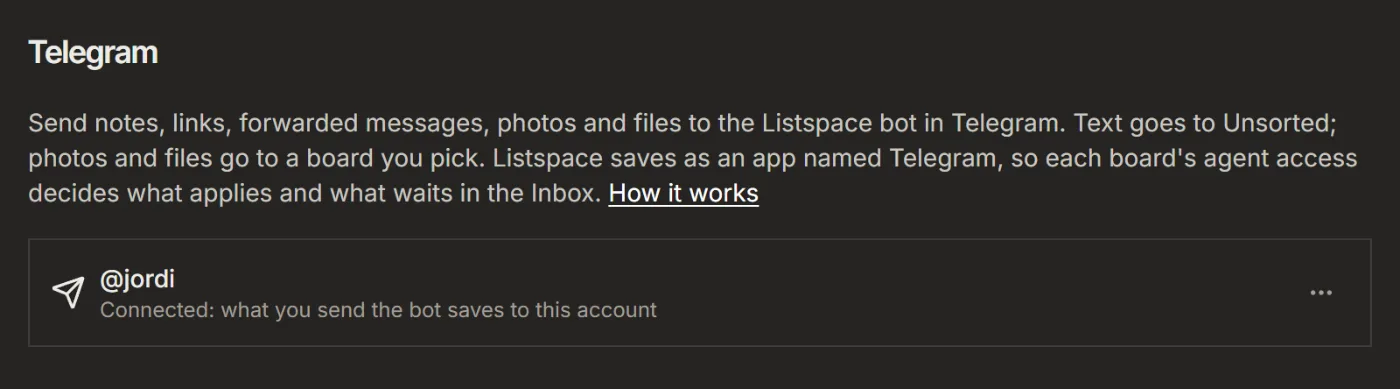
- In Listspace, open Settings, then Capture and connections, and under Telegram click Connect Telegram. Press Start in Telegram.
- Type a note, paste a link or forward a message to the bot. It goes to Unsorted, and the first line becomes the title.
- For a photo or file, send it, then tap the board the bot offers. Or give it the caption
/board Homewith your board's name.
Files can be up to 8 MB. The bot works in your private chat with it, not in groups.
Email it to a board (Pro)
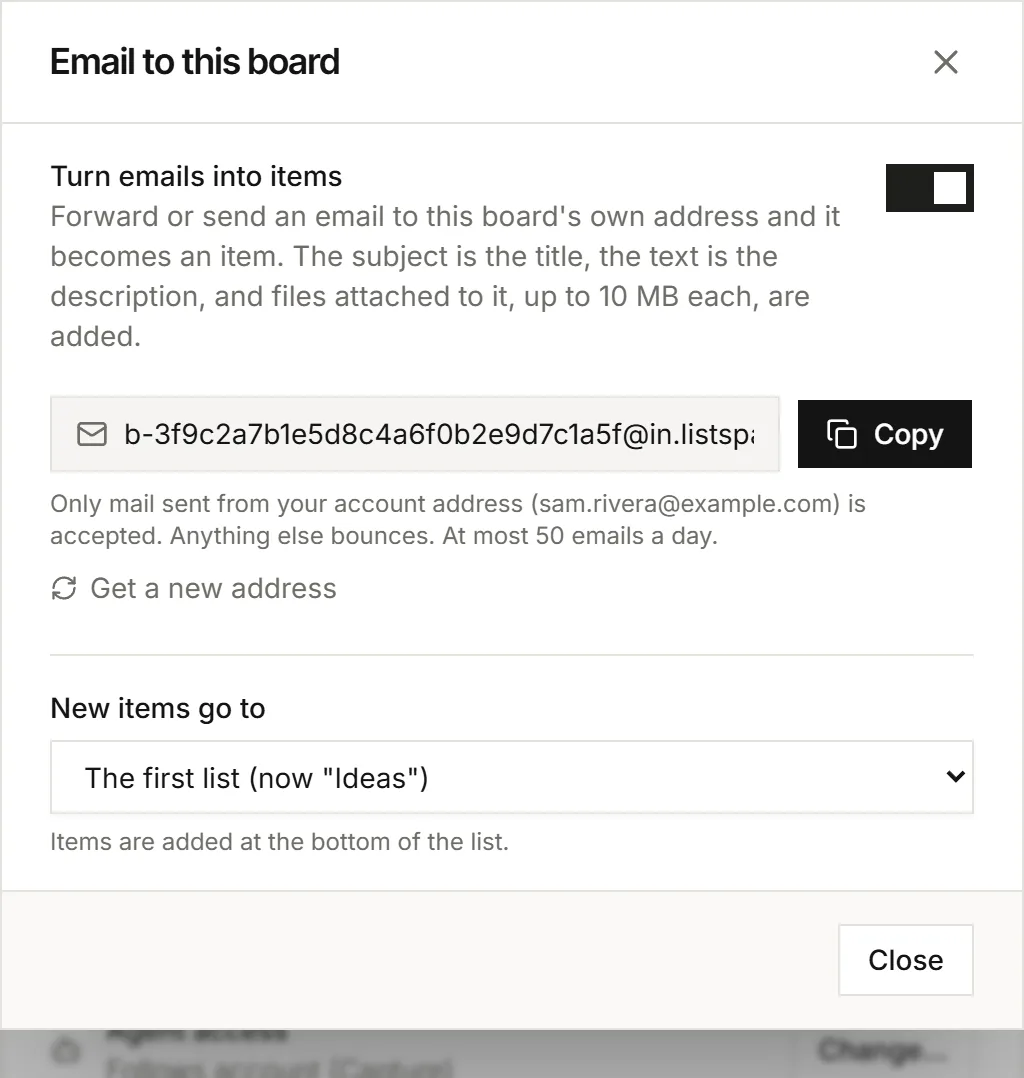
- On the board, open the ⋯ menu, then Board settings, and click Email to this board.
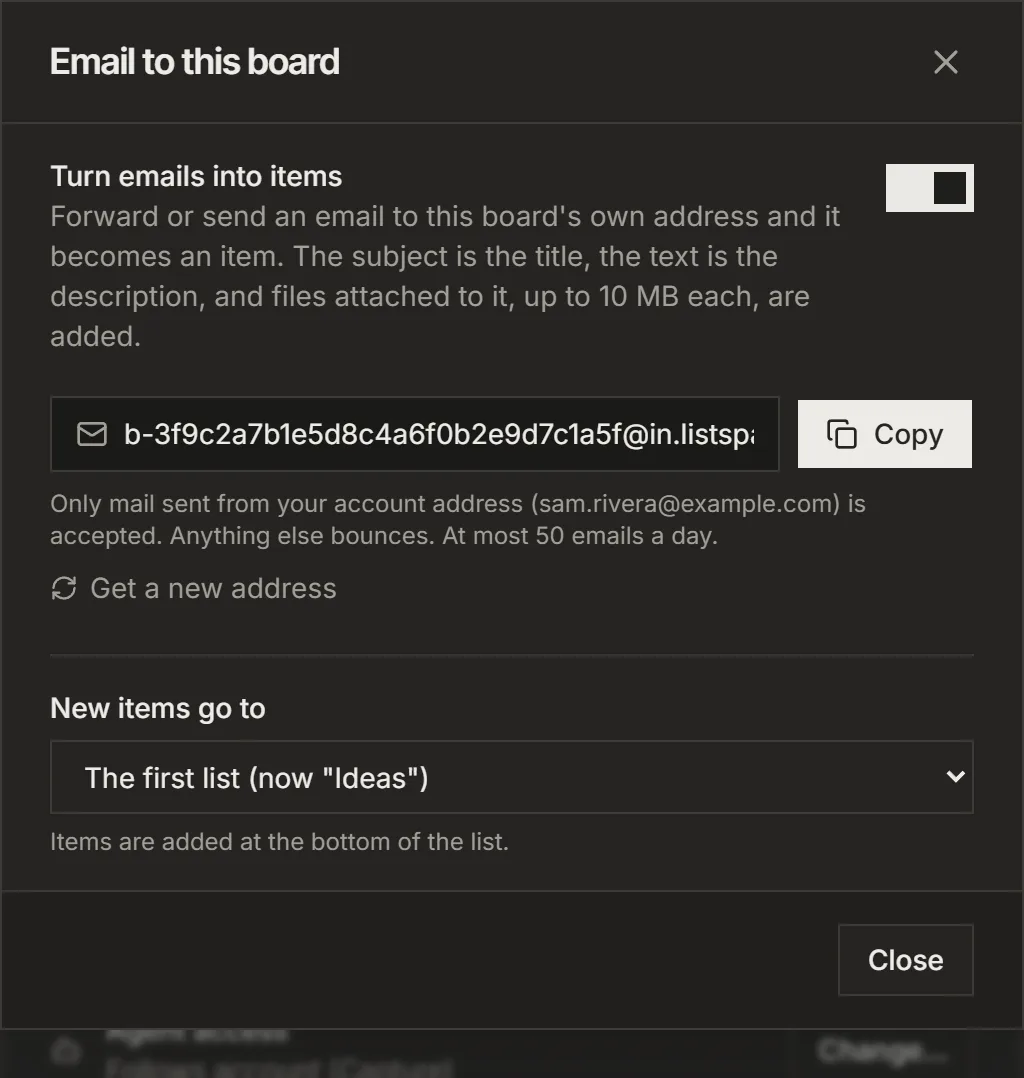
- Switch on Turn emails into items and Copy the address.
- Forward an email to that address from your account's email address. The subject becomes the title, the text the description, and attachments come along up to 10 MB each.
Under New items go to you pick the list. Mail from other addresses bounces, and a board takes at most 50 emails a day. Only the board's owner sets this up.
Sort it later
Each space has its own Unsorted. It shows at the top of For you while items wait: choose Sort them. Your AI can suggest a board for each item; you decide.
For your AI, this guide as markdown: listspace.app/guides/capture-from-your-phone.md