Choose how much your AI may change
Pick an agent access level, per account or per board, and approve the rest from your Inbox.
Your AI works within a level you choose. What the level allows applies straight away. Most other changes wait in the Inbox on the board until you accept or reject them. A few cannot wait there, such as files, labels and claims, so below their level they are refused.
The five levels
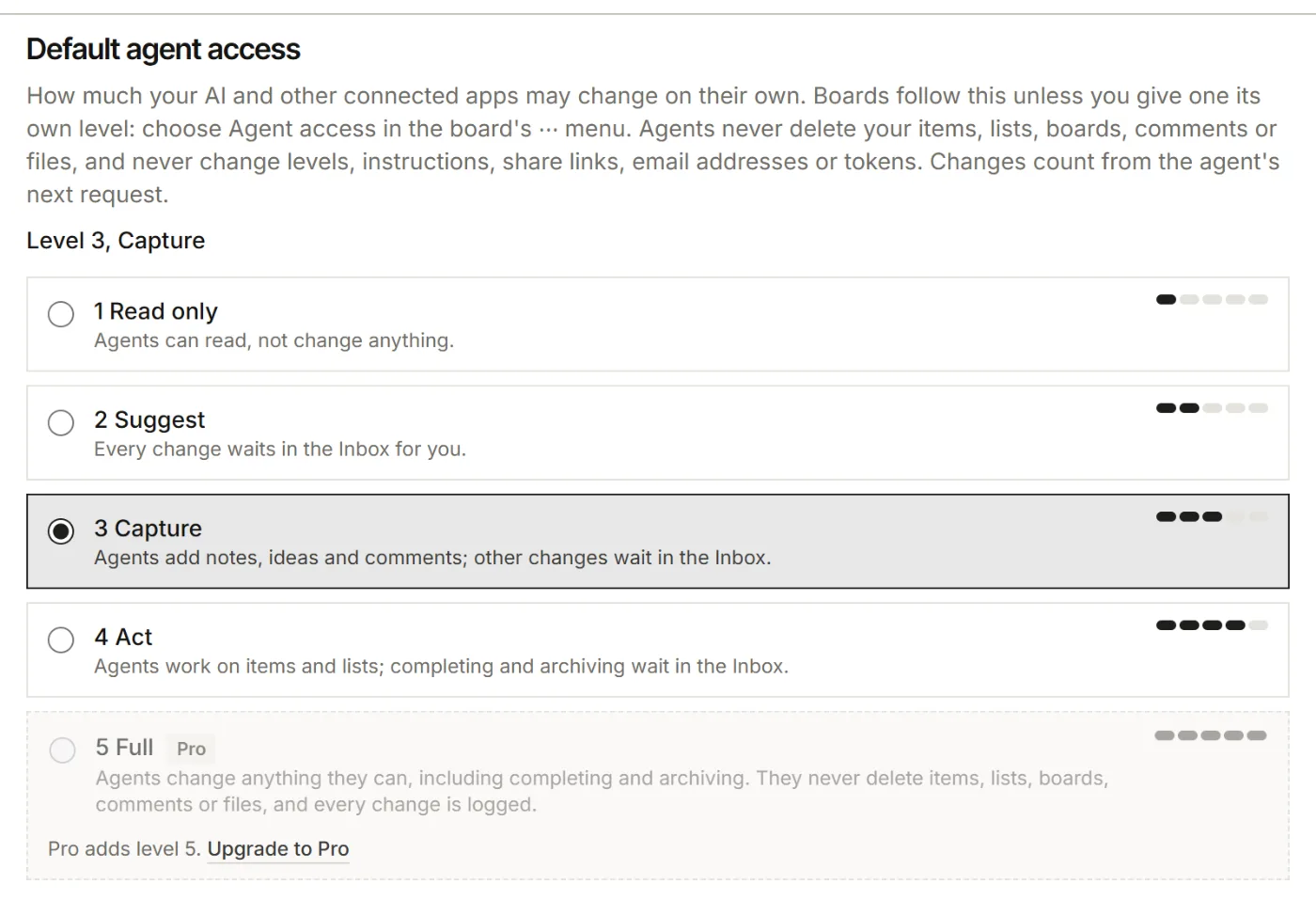
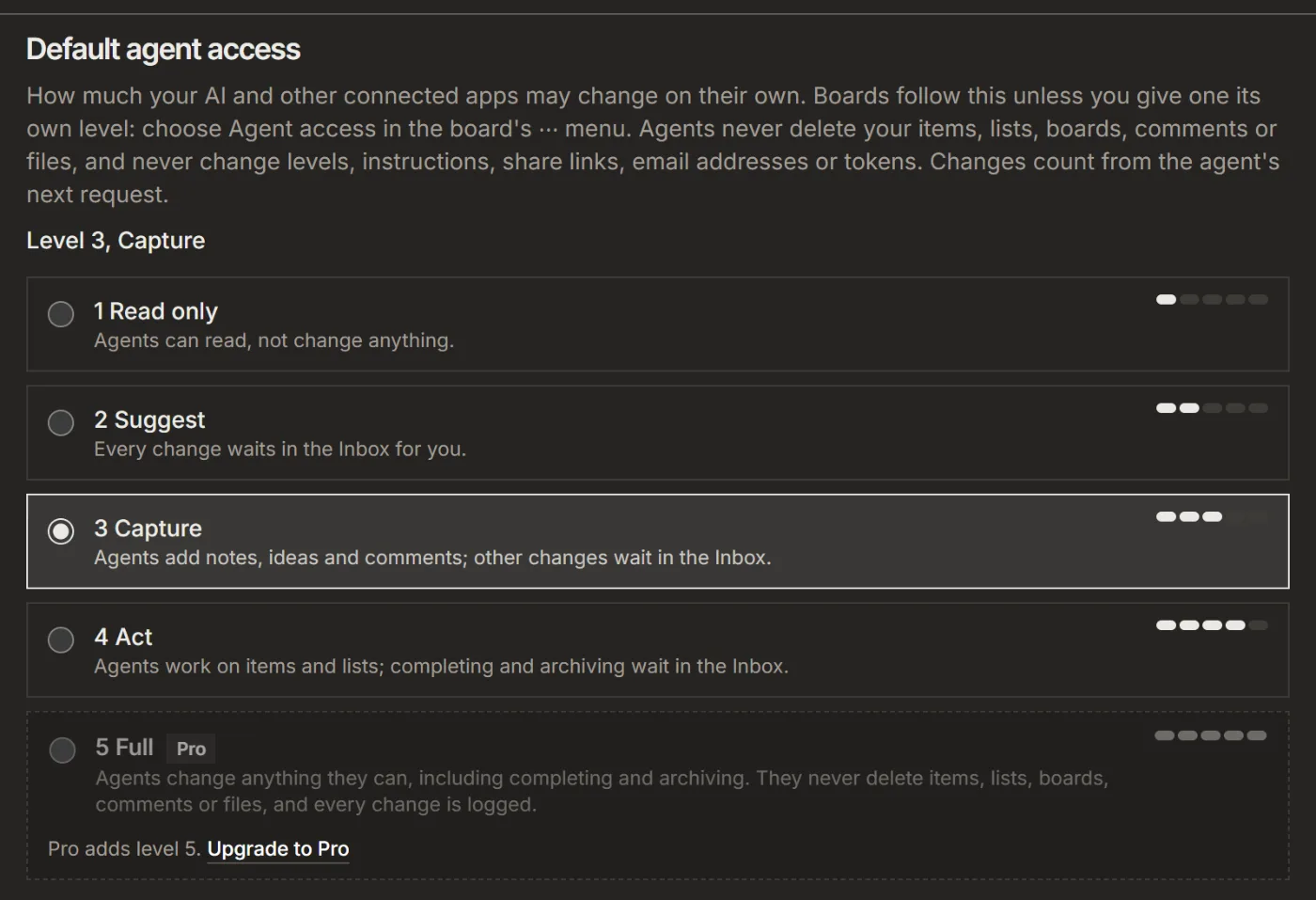
- 1 Read only: the AI reads, and changes nothing.
- 2 Suggest: every change waits in your Inbox, except the few that cannot wait there (files, labels, links, claims and new boards), which are refused.
- 3 Capture: new items in info and capture lists, checklist items, comments, links and new boards apply. Files, labels and claims are refused. The rest waits.
- 4 Act: also edits and moves items, and changes lists and labels. Completing, archiving and moving to a done list wait. New accounts start here, and it is the highest level on Free.
- 5 Full: everything applies, with Pro, except removing a checklist item someone else added, which waits. Agents never delete items, lists, boards, comments or files, and every change is logged.
1. Set the level for your account
- Open Settings, then Your AI.
- Under Default agent access, pick a level. This is the level on every board that has no level of its own.
2. Set a level for one board
- On the board, open the ⋯ menu, then Board settings.
- Click the Agent access row. It shows the level now, for example "Act (4)".
- Pick a level for this board, or Use account setting. Under Instructions for agents you can add rules for this board, such as "Put bugs in Bugs". Click Save.
3. Decide what waits in the Inbox
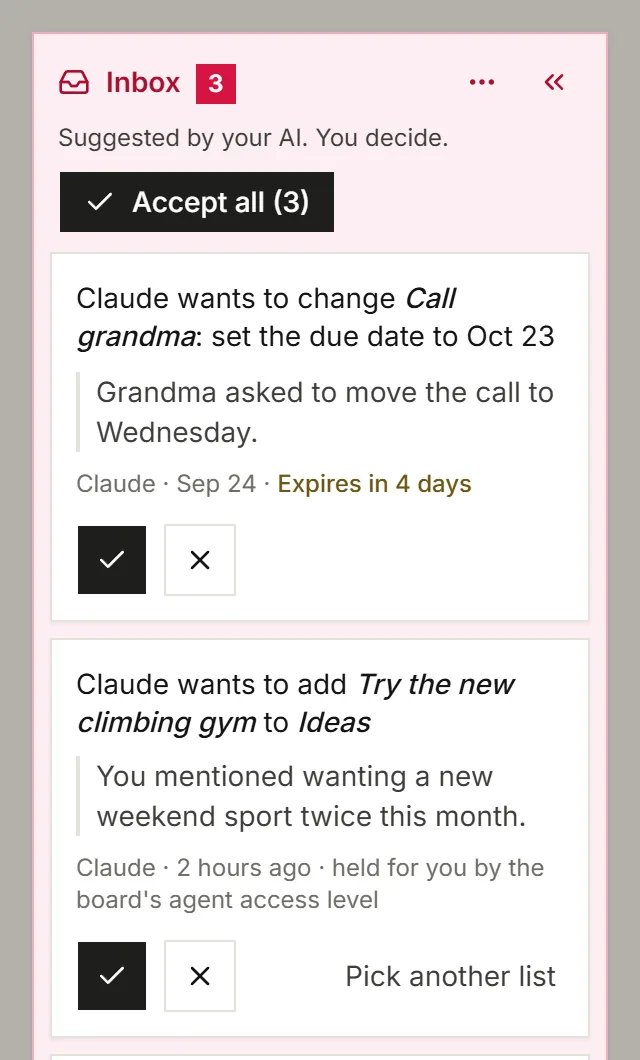
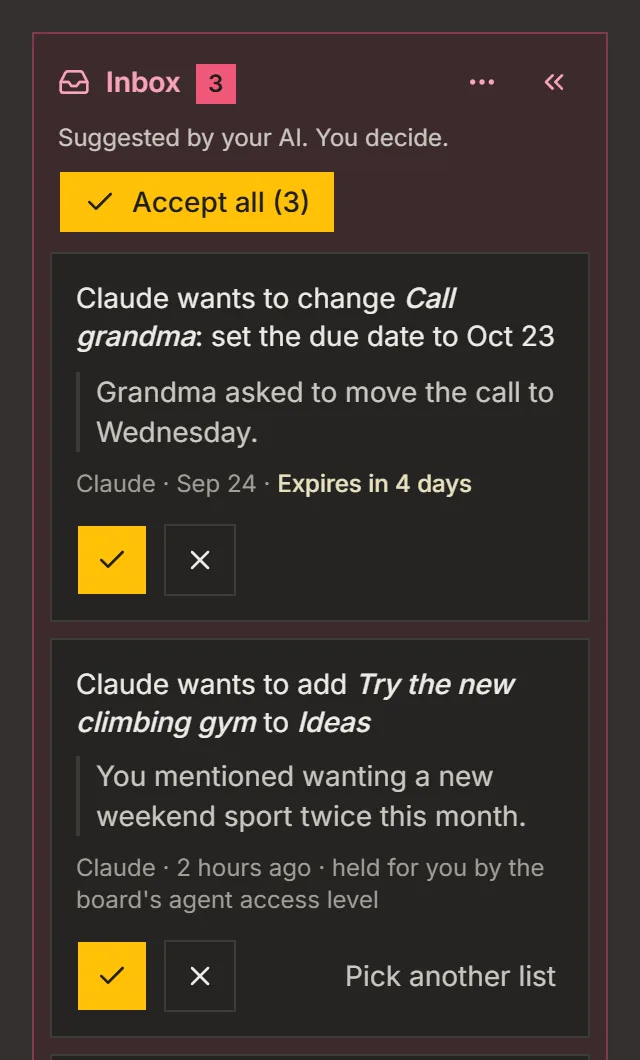
- When suggestions wait, an Inbox column shows on the left of the board. Each suggestion says what your AI wants to do, and why when it gave a reason.
- Click Accept, Pick another list or Reject on each one. With two or more waiting, the header has Accept all, and its ⋯ menu Reject all.
Suggestions you leave alone expire after 30 days.
4. Keep decisions your AI respects
Decisions start on for a new account: Decisions on new boards, in Settings, then Your AI, switches them for the boards you make next. A decision is an item that says what was agreed, and agents work from it. Your AI can propose a decision, or a change to one, but it can't confirm one on its own. You confirm it in your Inbox, from your daily summary, or on your AI app's confirm screen. Mark an item yourself with More, then Mark as decision.
For your AI, this guide as markdown: listspace.app/guides/choose-how-much-your-ai-may-change.md