Add a Slack message, with its image, to a board
From a Slack message to an item, files included, in a few clicks.
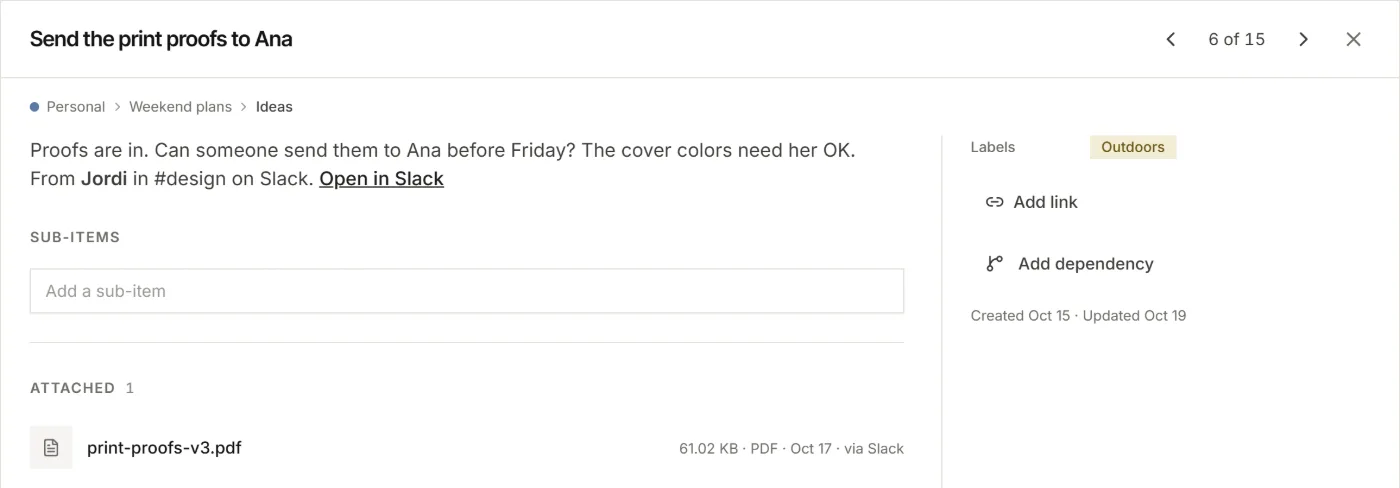
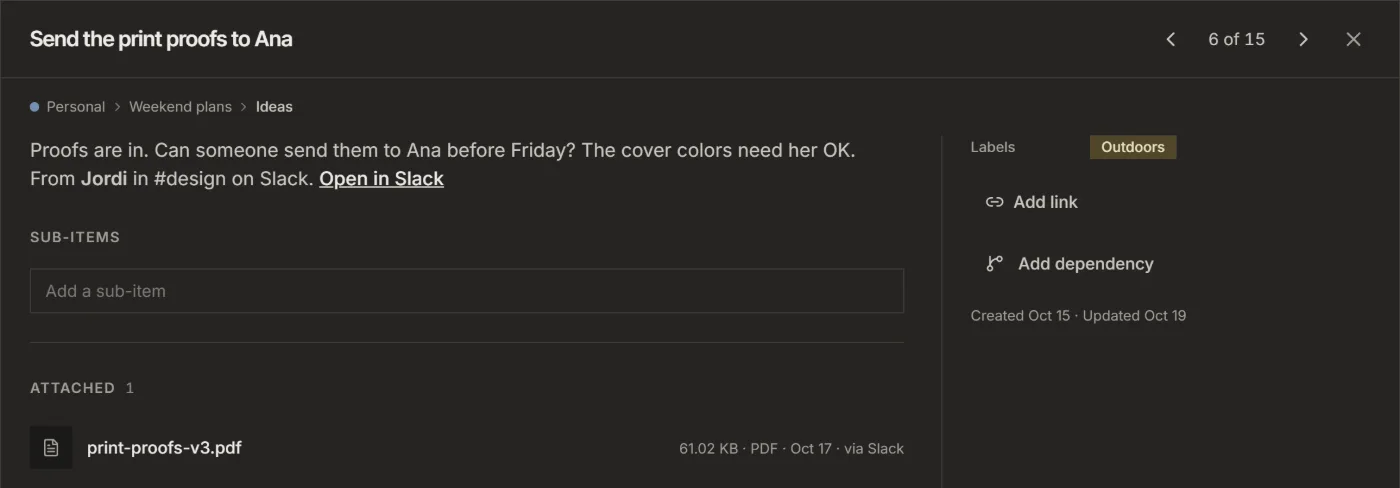
Someone posts a screenshot in Slack that belongs in the project. Add the message to a board and the item keeps the text, who wrote it, a link back to Slack and the image.
1. Add Listspace to Slack, once
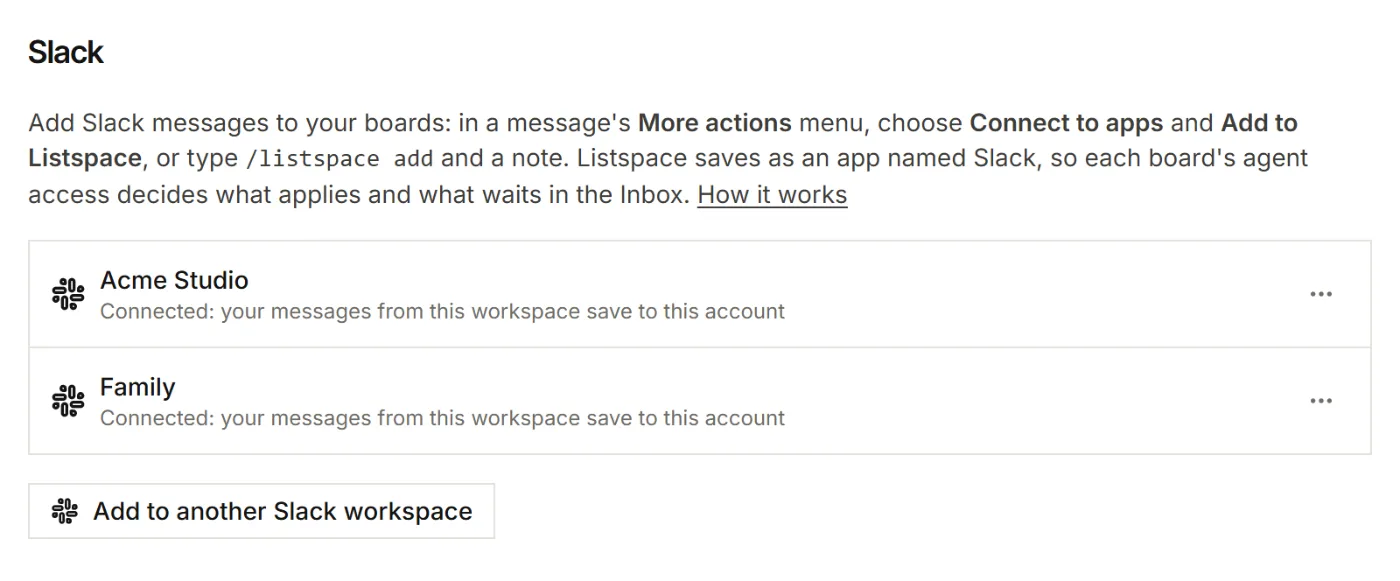
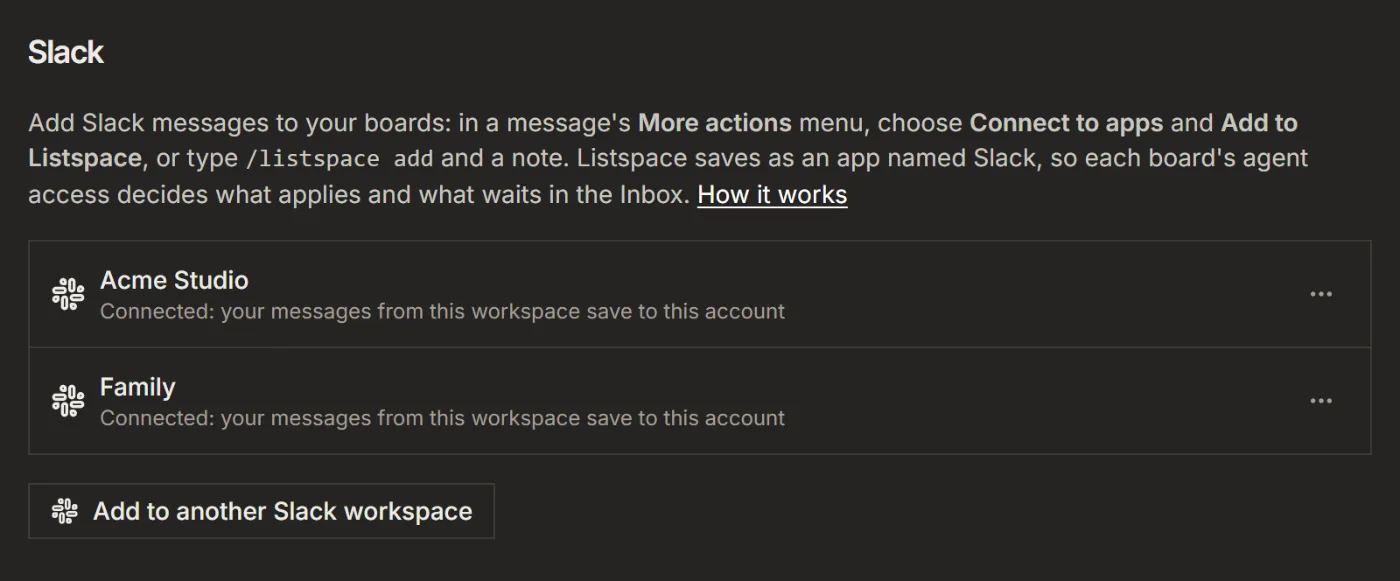
- In Listspace, open Settings, then Capture and connections.
- Under Slack, click Add to Slack and allow it on Slack's screen.
Someone else already added it to the workspace? Type /listspace add in Slack, or use Add to Listspace on a message. Click Connect your Listspace account and then Connect. /listspace alone shows the help.
2. In a private channel, invite Listspace first
- In the channel, type
/invite @Listspace.
In a public channel there is nothing to do: Listspace joins it the first time you add a file from there. Files in direct messages cannot be added; the text can.
3. Add the message
- Hover over the message, click More actions (the three dots), then Connect to apps, then Add to Listspace.
- Check the title and the note.
- Under Save to, pick a board and its list. Files need a board: Unsorted holds text only.
- Click Save. Slack shows a short message, only to you, with a link to the new item.
Good to know
- Files come along up to 8 MB each, at most 10 per message.
- A quick note with
/listspace addhas no files, because Slack sends only the text. Post the file as a message and add that. - The board's agent access applies, as for your AI. Files come along at Act or Full. At Capture the item is saved without its files, and at Suggest it waits in the board's Inbox without them.
For your AI, this guide as markdown: listspace.app/guides/add-a-slack-message-to-a-board.md