Mention people and ask them something
An @mention to point someone at an item, or a request that needs an answer.
Two ways to get someone's attention on an item. An @mention says "look here". A request asks for something specific, and tracks the answer.
1. Mention someone
- Open the item and click in the comment box.
- Type @. A list of the people on the board opens.
- Pick a name with the arrow keys and Enter, or click it, and post the comment.
The person gets a Mention row in For you, an email and, when turned on, a notification. You can mention the board's owner and its guests, up to 20 people in one comment. Mentions work in comments and replies, not in the description.
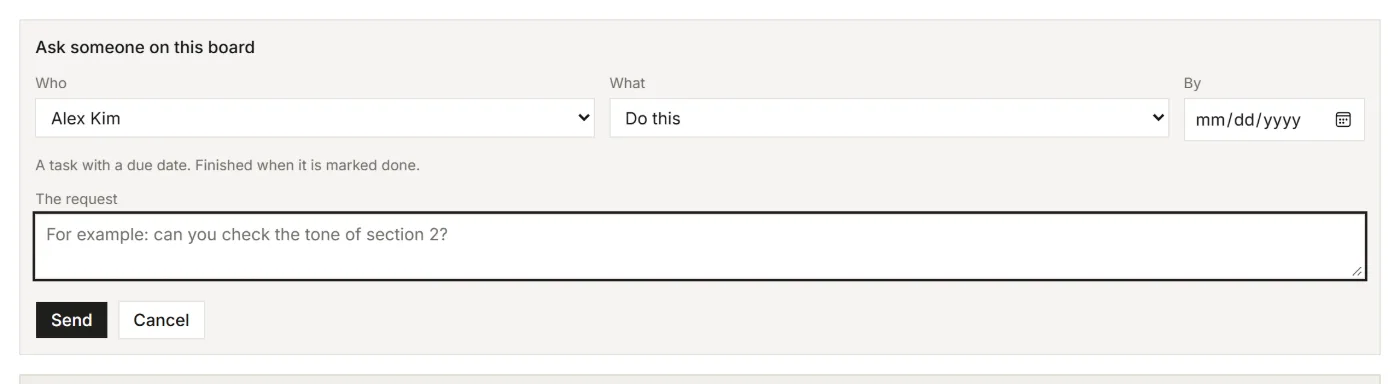
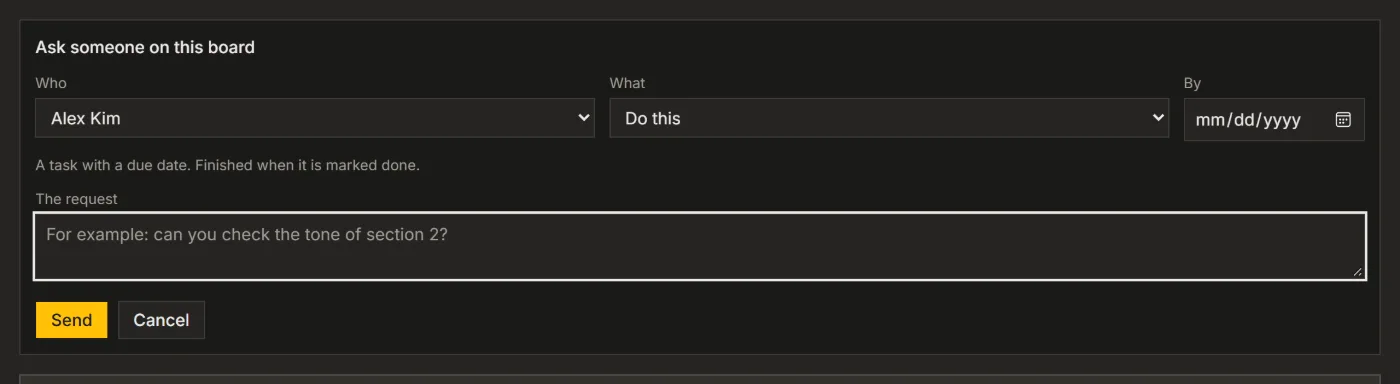
2. Ask someone
- Open the item and click Ask someone at the bottom of the item window. It shows once someone else is on the board. In a narrow window it is in the ... menu.
- Pick Who and What: Do this, Look at this, Question or Approve.
- Add a due date under By (a Do this needs one) and write the request in a sentence or two.
- Click Send. The person gets it in For you and by email.
You can also turn a comment into a request: in the comment's ⋯ menu, choose Turn into a request. Or tell your AI, for example Ask Sara to check the brief before Friday; its request waits in the board's Inbox until you accept it.
3. Answer, and follow up
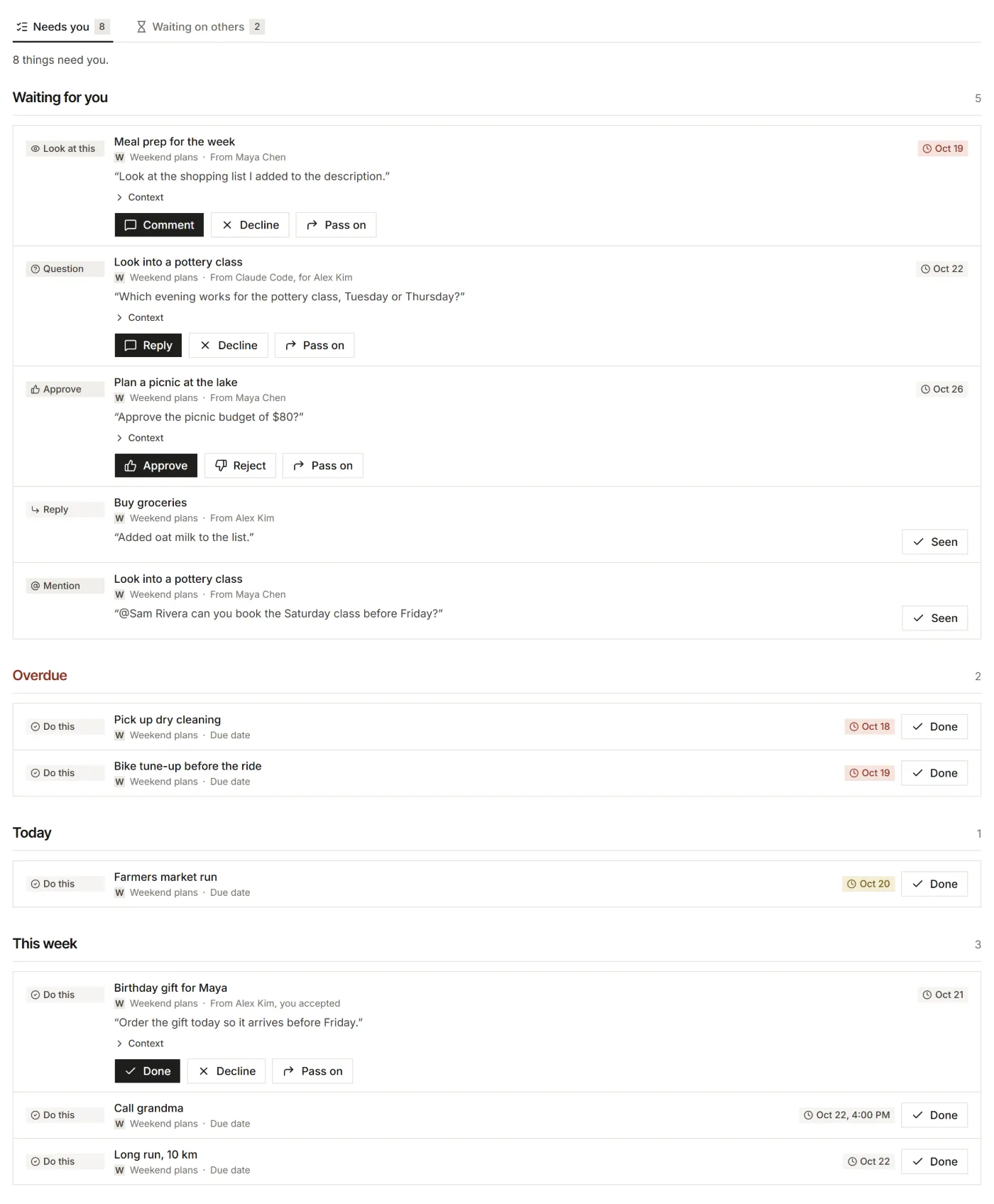
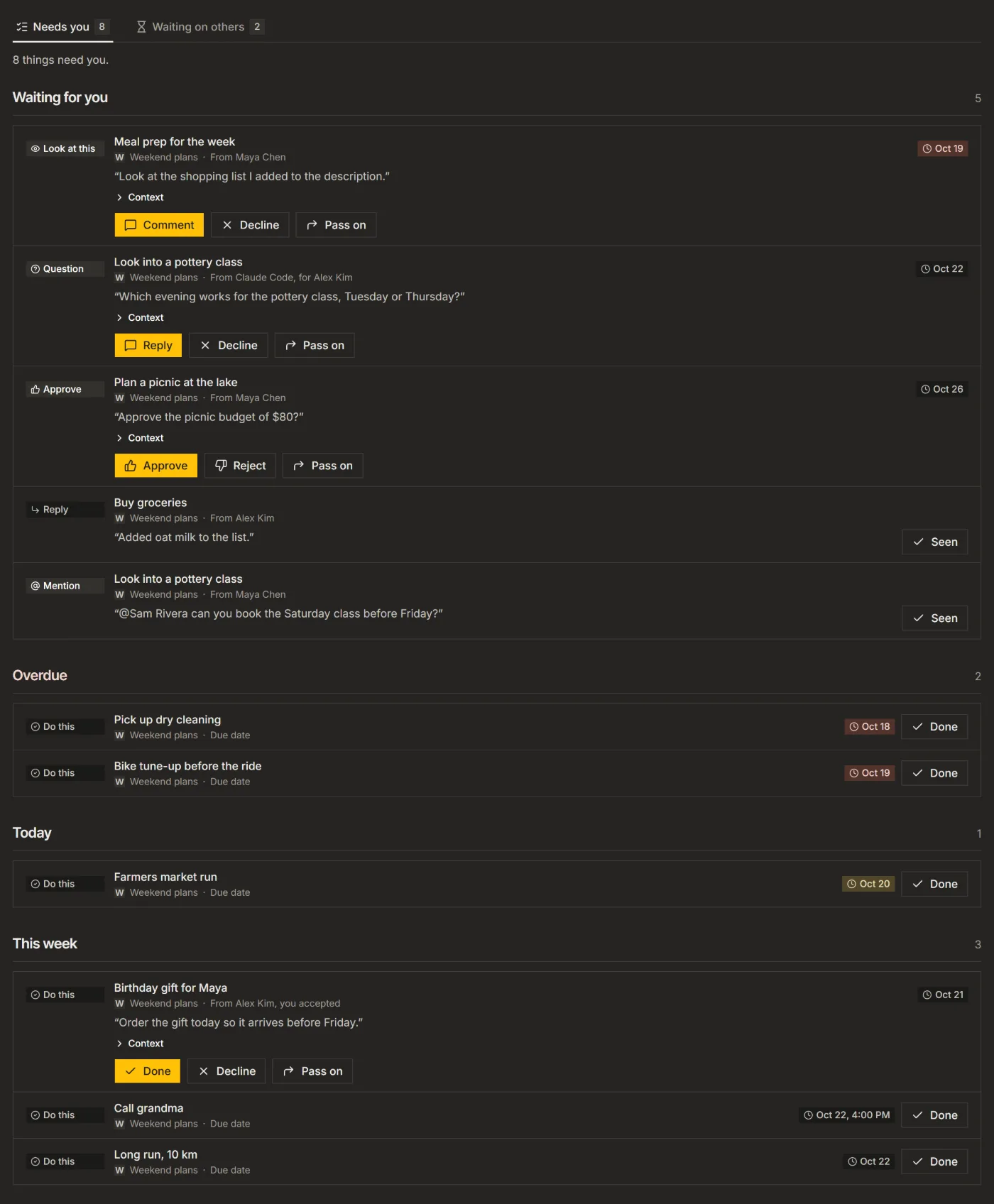
- Requests for you are rows in For you, with buttons for their kind: Accept and Done, Reply, Comment, Approve or Reject, Decline, or Pass on to someone else on the board.
- Every answer becomes a comment on the item, and the sender gets an email.
- What you sent and wait for is under Waiting on others in For you.
An Approve request can also be answered from the email, without signing in. The link works once, for 7 days.
Who can send what
The board's owner and guests with Edit access can send all four kinds; guests with Comment access a question or a "look at this". Guests with View access answer requests, and send none.
For your AI, this guide as markdown: listspace.app/guides/mention-people-and-ask-them-something.md