Use Listspace with Claude Projects
One line in the project instructions, and every chat in a Claude project works from the same board.
A Claude project gives its chats shared files and instructions. Add Listspace and one line to those instructions, and every chat in the project starts from the board and writes back to it. The chats in the project, its threads, do the work; the board is the memory they share, and the one you check.
1. Add Listspace to Claude
Claude works on every plan; the free plan can add one custom connector. You do this once.
- In Claude, open Customize in the sidebar, then Connectors.
- Click + Add, then Add custom connector.
- Type
Listspaceas the name, paste the address from the setup page and click Continue. - Leave the sign-in settings as they are, click Add, and sign in to Listspace.
2. Tell the project to use the board
- Make a board for the project, or ask Claude for one.
- Open the project in Claude and edit its instructions.
- Add a line such as
Read the Listspace board "Website relaunch" first and keep it up to date while you work.Use your own board's name.
3. Work in the project's chats
- Start a chat in the project. Check under the + button, then Connectors, that Listspace is on.
- Ask for the work. With that line in the instructions, the chat reads the board first, then moves items, adds comments and leaves a short summary when it is done.
- Start the next chat. It reads the board, and the summary the last one left, and carries on.
Good to know
- One limit: the conversation that coordinates the project's threads cannot read the board. Only the threads can, so give the board work to a thread.
- Claude may ask before each use of Listspace. Under Connectors, choose Always allow to stop the questions.
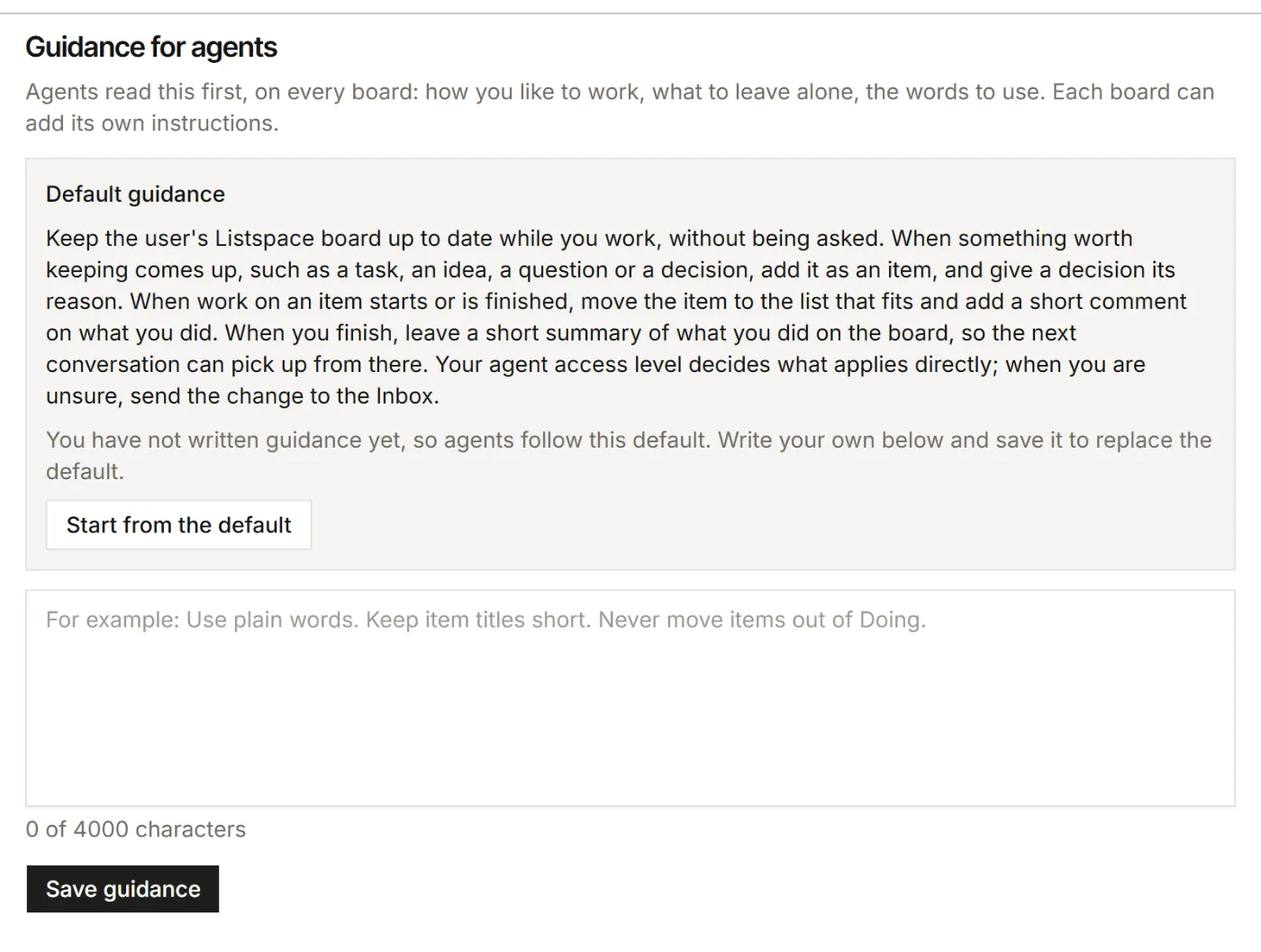
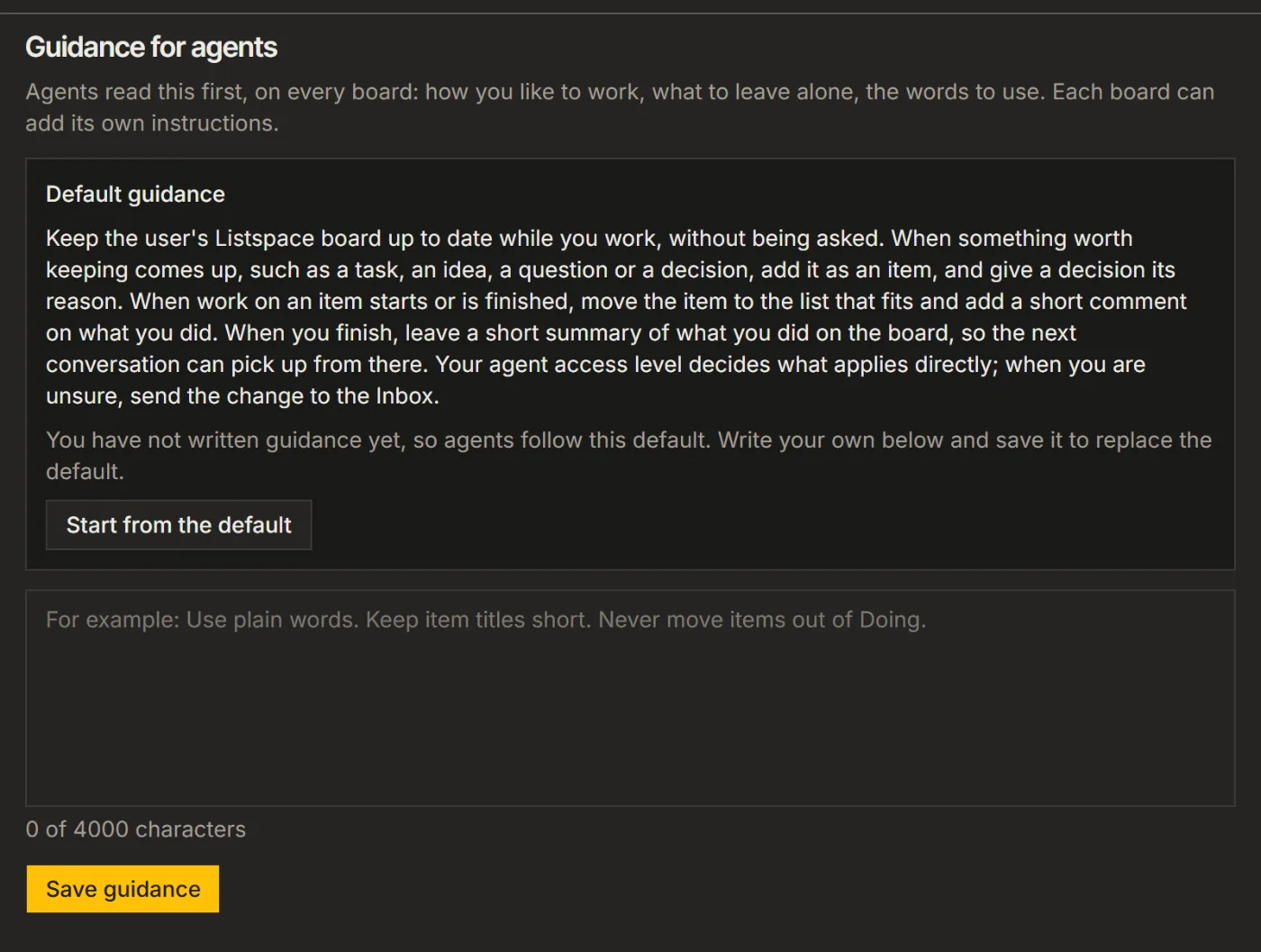
- For rules that should hold on every board, in every app, use Guidance for agents in Listspace: Settings, then Your AI. Until you write your own, agents follow the default shown there.
For your AI, this guide as markdown: listspace.app/guides/use-listspace-with-claude-projects.md