Features
Not another kanban board. The one your AI keeps.
On the board
Boards, lists and items
A board per project, a list per stage, an item per task, with checklists, dates, labels, files and comments.
Sub-items
Break an item into smaller items, each with its own dates, done tick and person.
Custom fields
Your own fields, such as Stage or Value: 3 per board on Free, up to 50 on Pro.
Templates
Start a board from a template, or let your AI do it. Save any board as your own.
History and undo
Every change shows who made it, you or which agent. Undo an agent's change for 30 days.
Import
Make a board from Trello, a Notion database, Obsidian notes or a CSV file from Asana, Jira and other apps.
Export
Download one board or all of them as Markdown, CSV or JSON, on every plan.
What needs you
For you
Due and important items, suggestions, requests and mentions from all your boards, in one list.
Your due dates in Google Calendar, Apple Calendar or Outlook
A private link shows items with a due date, all of them or only the important ones, in the calendar you already use. It keeps itself up to date, and you never sign in to Google or Microsoft.
Set up the calendar linkInbox
Changes your AI suggests wait here until you accept or reject them.
Requests and mentions
Ask someone on your board for a task, a review, a question or an approval, and mention people in comments.
Unsorted
What you or your AI capture without a board waits here, and your AI can suggest where it goes.
Push notifications
A notification on your phone or computer when something needs you, also while the app is closed.
Comes in by itself
Email to a boardPro
Each board can have its own address. Forward an email to it and it becomes an item.
Slack
Choose Add to Listspace on a message and pick a board and list. The item keeps the message, its author and a link back.
Telegram
Send the Listspace bot a note, a link or a forwarded message and it lands in Unsorted. Photos and files go to a board you pick.
Your phone's share menu
On Android, share a web page, text, photos or a PDF from any app to Unsorted or to a board.
Live updates
Changes from an agent show on your open board without a refresh.
Safe by design
Hosted in the EU
Your boards are on our server in Germany, and your files on Cloudflare in the EU.
Every file virus-scanned
Checked with ClamAV on our server, before anyone else can open it.
Backed up every hour
Plus an encrypted copy of your boards and files off the server every night.
Two-step sign-in
With an authenticator app. Once it is on, the database checks it on every request, not only at sign-in.
Your AI can't delete your work
Agents cannot delete your items, lists, boards, comments or files, and cannot change their own access level.
Passwords and keys stay out
If an agent tries to save a password or key in an item, Listspace refuses it and stores nothing.
No AI of our own
Listspace sends nothing to an AI model. Only the AI apps you connect read your boards.
Views
One board, five views. Pick the one that fits the work.
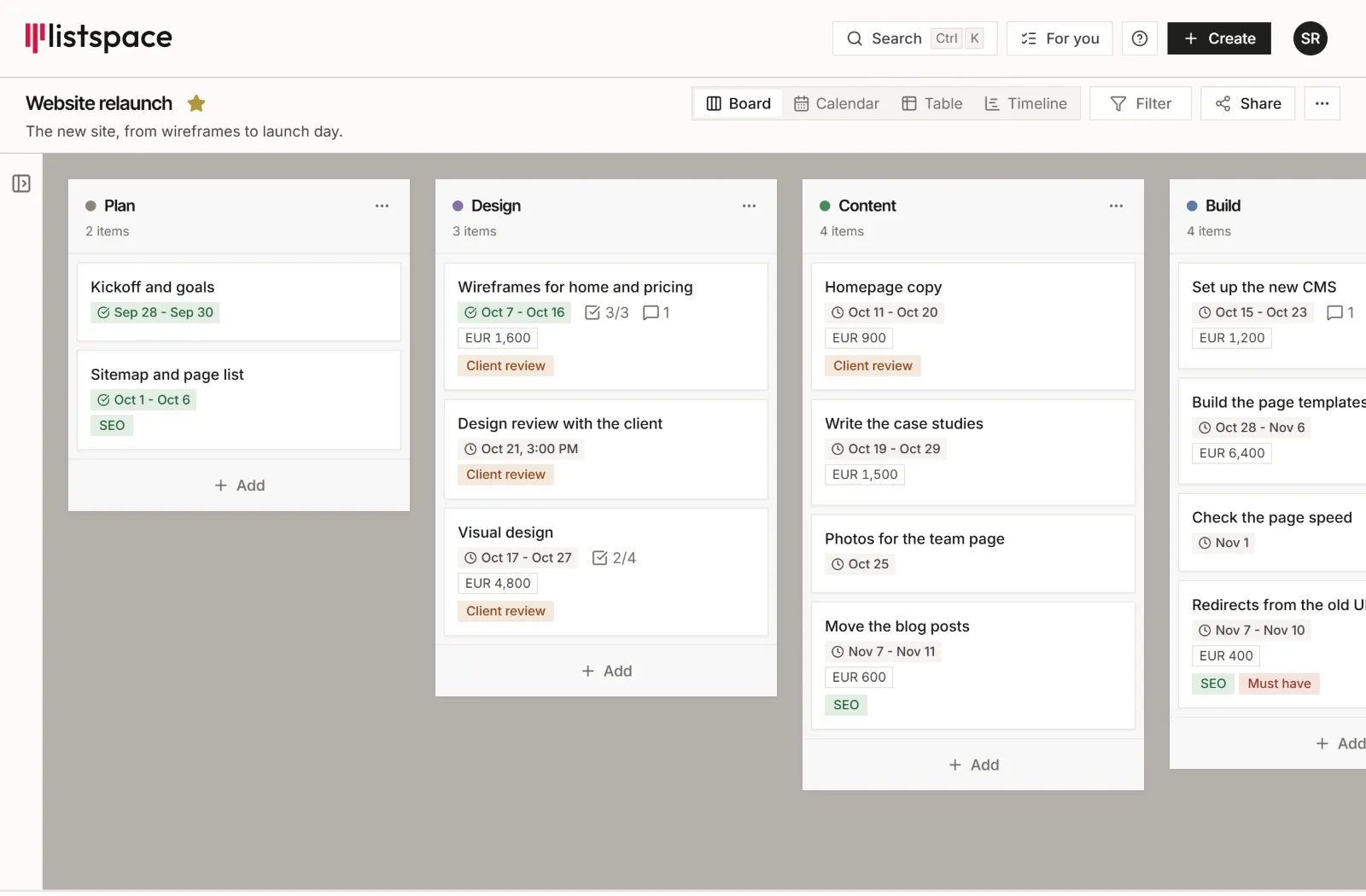
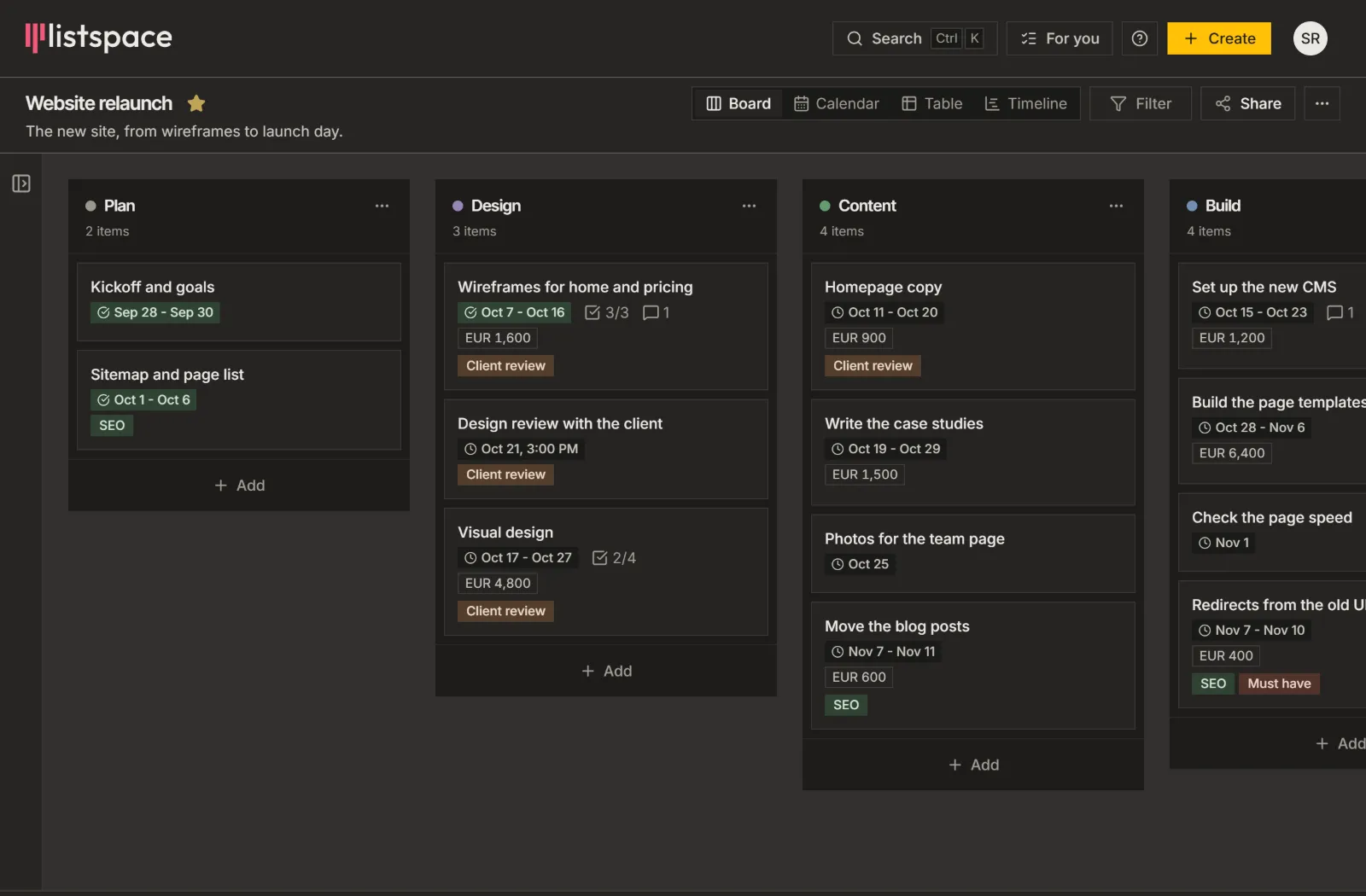
Board. Lists and items. Drag an item to the list where it belongs.