Plan in ChatGPT, build with Claude Code: one board for both
Two AI apps, one board: plan the work in ChatGPT, then let Claude Code build it from the same items.
ChatGPT is good for thinking out loud; Claude Code writes the code. Connect both to one Listspace board and the plan you make in a chat becomes the work list Claude Code builds from. Each app reads the board when it starts and writes back what it did, so neither starts from zero.
1. Connect ChatGPT
ChatGPT works with Plus or a higher plan, not with the free plan. Do this once, in ChatGPT in a web browser on a computer.
- Click Plugins in the sidebar, then Add, then Add custom MCP server.
- Type
Listspaceas the name. Under Connection, keep Server URL and paste the address from the setup page. - Leave Authentication on OAuth, tick I understand and want to continue, click Create as a plugin, then Continue to Listspace, and sign in.
2. Connect Claude Code
- In Claude Code, run
/plugin marketplace add listspace/agent, then/plugin install listspace@listspace. The plugin adds Listspace and the Listspace skill. - Run
/mcp, chooselistspaceand sign in with your Listspace account.
3. Plan in ChatGPT
- Start a new chat, type @ and pick Listspace.
- Describe what you want to build and ask for a board, for example
Make a Listspace board for my app and put the plan in it as items. - Go through the items together until the plan is right. At the end, ask ChatGPT to leave a short summary on the board.
4. Build in Claude Code
- In your project folder, ask Claude Code to add the board to CLAUDE.md. Or add this line yourself:
Keep this project's Listspace board up to date as you work: move items when you start and finish, comment on what you did, and record decisions. - Ask Claude Code to work through the board. It starts a session, reads the open items and the summary ChatGPT left, takes the next item no other agent holds, and moves it along as the work gets done.
- Back in ChatGPT a day later, ask what changed. It reads the summary Claude Code left and carries on from there.
Good to know
- Taking the next item and claiming it needs agent access level 4, Act. At a lower level claims are refused, and moves wait in your Inbox. See Choose how much your AI may change.
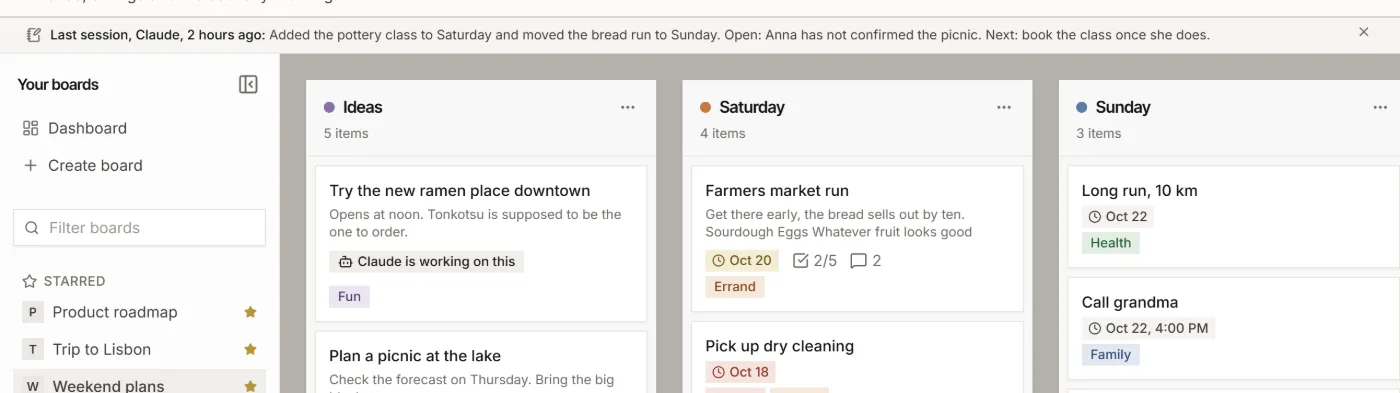
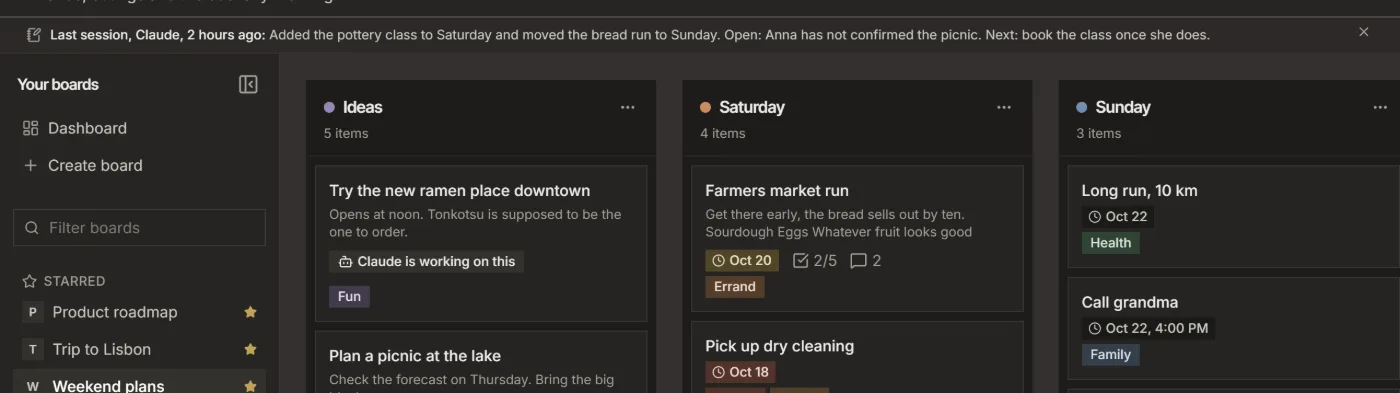
- An item an agent is working on shows "Claude is working on this", or ChatGPT. You can Release it in the item window at any time.
For your AI, this guide as markdown: listspace.app/guides/plan-in-chatgpt-build-with-claude-code.md