Listspace
Start here
Listspace is the board where you and your AI keep a project: what is planned, what you decided and what is done. Your AI reads the board when a chat starts and keeps it up to date, in any AI you use, and it changes only what you allow.
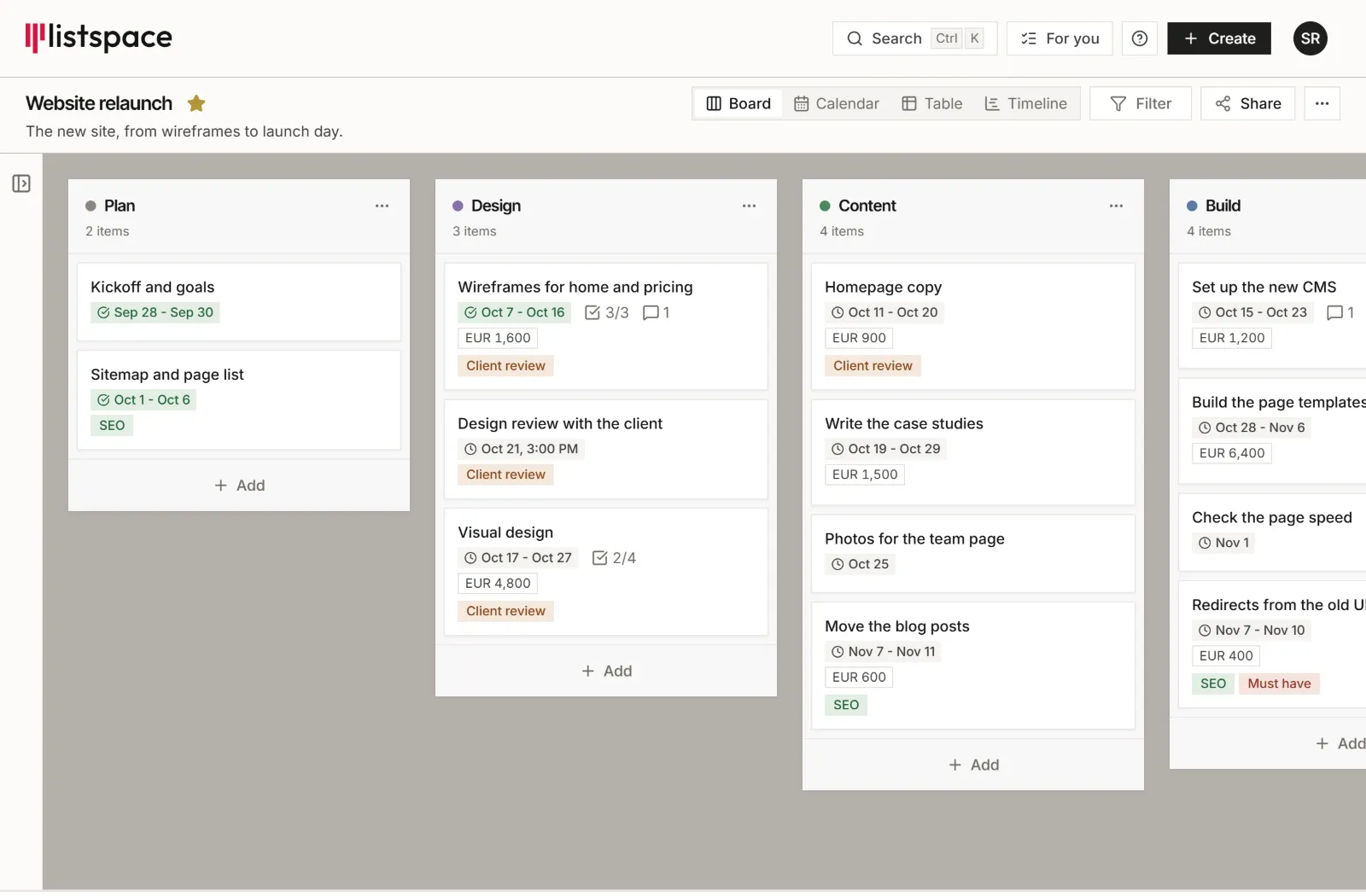
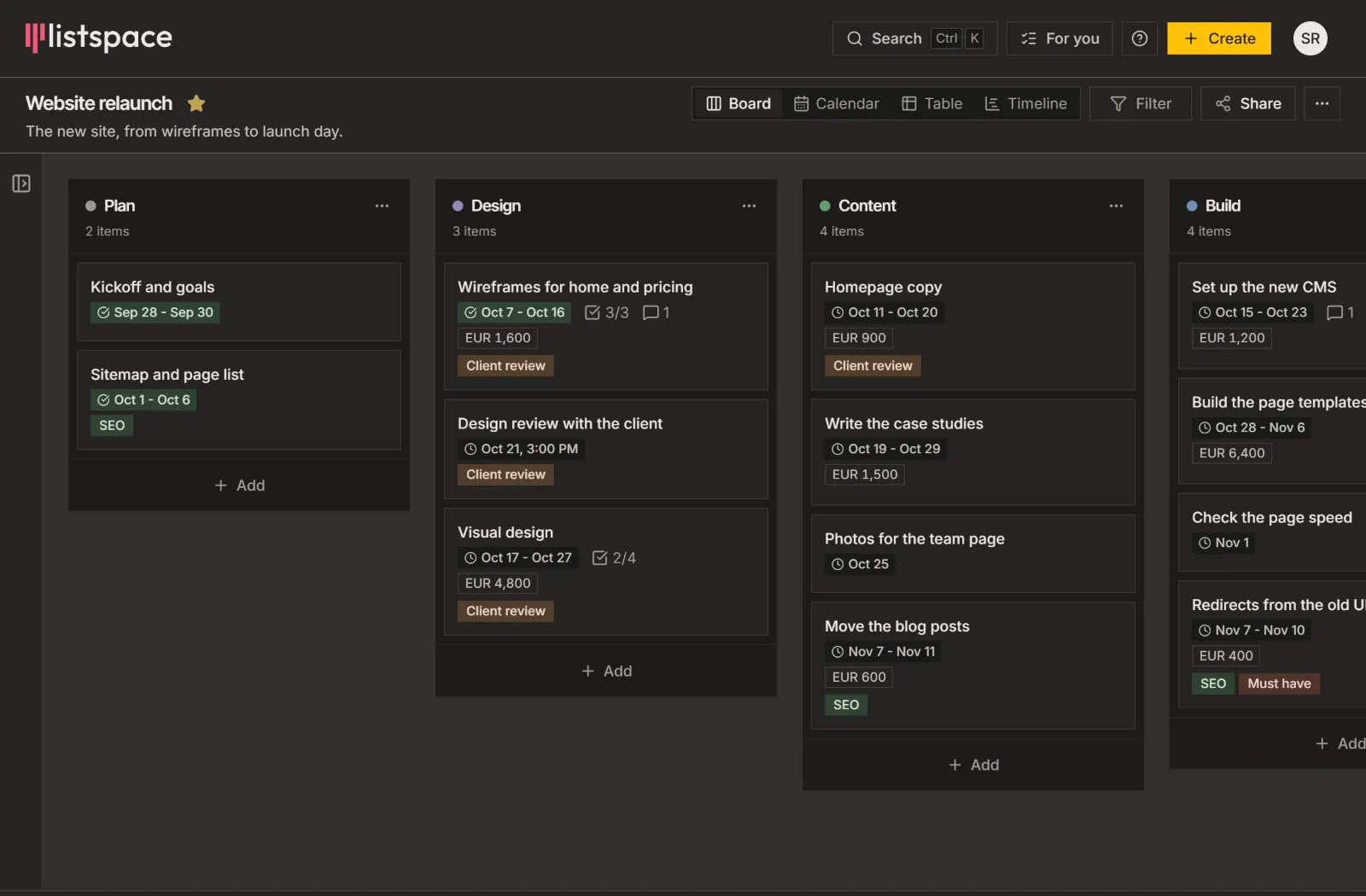
- Board
- One per project, such as a client job or a trip.
- List
- A stage on the board, such as To do or Done.
- Item
- One task or note, with a checklist, files and a longer document if you need them.
- Inbox
- Where a change your AI may not make on its own waits for your OK.
What do you want to do?
Pick what you are doing. Each one has a first sentence for your AI and a template to start from.
Client projects
Run a job for a client from the brief to done.
Say to your AI:
Remember on my client board that the client wants a friendly tone
Deals (a CRM)
Follow every lead and deal from first contact to won or lost.
Say to your AI:
Add a lead to my CRM: Anna at Northwind wants a new website
Agreements and contracts
Keep each contract with its versions, and what you decided about it.
Say to your AI:
Note on my contracts board that Northwind sent a new version
A trip or the household
Plan a trip from the first ideas to the packing list, or keep the groceries in one place.
Say to your AI:
Add an idea to my trip board: a boat tour on the first day
Code
Keep the bugs, ideas and roadmap of a software project where your AI can read and update them.
Say to your AI:
Add an idea to my project board: a dark mode for the settings page
Connect your AI
Paste one sentence into the AI you already use, such as Claude or ChatGPT, and it sets Listspace up for you.
Paste this into your AI:
Set up Listspace for me: listspace.app/connectTip: stay signed in to Listspace in your browser first.
The Inbox and agent access
You decide, board by board, how much your AI may change on its own. What its level does not allow waits in the Inbox until you accept or reject it.
- 1. Read only. Your AI can read, not change anything.
- 2. Suggest. Every change waits in the Inbox for you.
- 3. Capture. Your AI adds notes, ideas and comments; other changes wait in the Inbox.
- 4. Act. Your AI works on items and lists; completing and archiving wait in the Inbox.
- 5. Full. Your AI changes anything it can, including completing and archiving. It never deletes items, lists, boards, comments or files, and every change is logged.
Free goes up to level 4. Level 5 comes with Pro.
Decisions
A decision tells your AI what still holds. Your AI can propose one, only you confirm it, and it cannot change one you confirmed.
Say you settle a clause in a supply agreement with Northwind and tell your AI "we agreed the liability cap". Your AI proposes it as a decision, with the reason. You accept it in the Inbox, and from then on your AI works from that clause. If Northwind reopens it, you replace the decision. The old one is archived and stays in the history.
Next to your other tools
The two tools people ask about most, and how Listspace sits next to each.
Obsidian
Together. Keep Obsidian for your own notes and knowledge, and use Listspace for the shared project that you, your AI and the people you work with keep up to date. You can import a project folder from your vault.
Trello
Instead. Trello is made for people moving cards, with phone apps and Power-Ups. Listspace is made for you and your AI on one board, and it imports a Trello board from its JSON export.
Plans
New accounts start with 14 days of free Pro with 5 GB of storage, no card needed.
Free plan
€0.00, no credit card. You work on your own projects with your AI. Your AI works up to level 4.
Pro plan
€9.99 a month, or €99.90 a year. You share boards with clients or collaborators, want your AI to also tick off and archive finished items for you, or need all your history and room for files.
Team plan
€12.99 per seat a month, or €129.90 per seat a year. The Team plan is in beta and not open to the public yet. Several people work in one space, with roles and one bill.
Questions people ask
Short answers to what people ask first.
Is Listspace only for developers?
No. Boards, lists, items and a calendar work without code, and you connect your AI by signing in to your Listspace account. Developers also get an API and webhooks, but you do not need them.
Does Listspace have its own AI?
No. Listspace runs no AI of its own, so there is no AI tax. Your AI is the one you already use, such as Claude, ChatGPT or Cursor, and it runs on the plan you already pay for.
What can my AI see and change?
It sees the boards you let it see. Agent access sets what it may change, from level 1 (Read only) to level 5 (Full), and a board set to Off is hidden from it. What its level does not allow waits in the Inbox for your OK. Your AI never deletes your items, lists, boards, comments or files.
Can I undo what my AI did?
Yes. Every change shows who made it, you or which agent, and you can undo an agent's change for 30 days.
Where is my data?
Your boards and files are stored in the EU on every plan, Free included: the database on our server in the EU, files in Cloudflare R2 in the EU.